How to Track Running Shoe Mileage (And Why It Prevents Injury)

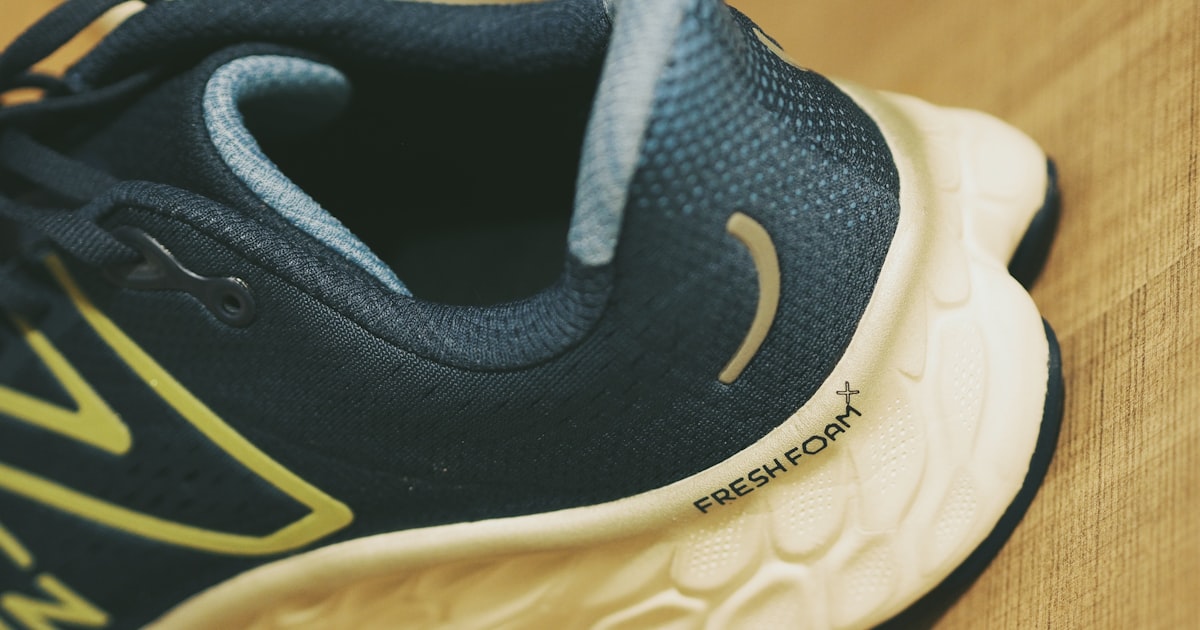
Your running shoes have an expiry date. Most runners miss it.
Research consistently shows that running shoes provide adequate cushioning for approximately 400–800 kilometers, depending on construction, runner weight, and surface conditions. After that, the midsole foam — the critical layer between your foot and the ground — has degraded significantly.
You often can’t see this degradation. The shoe’s upper looks fine. The tread might still look decent. But the foam that was compressing and rebounding with every stride? It’s compromised. And every kilometer you run on a compromised midsole is a kilometer your joints absorb extra impact.
The Research Behind the Numbers
A 2018 study published in the Journal of Science and Medicine in Sport found that midsole hardness increases by approximately 25% after 500km of use. A 2021 study found that running economy (how efficiently you use energy) declined measurably in shoes with high accumulated mileage.
The 400–800km range isn’t a marketing number — it’s the estimated window within which most shoes maintain their designed cushioning properties. The lower end applies to heavier runners, those who run primarily on pavement, or shoes with lighter foam constructions. The upper end applies to lighter runners, trail-focused use, or premium shoes with more durable foam.
Why Most Runners Don’t Track Shoe Mileage
The honest answer: it’s annoying to do manually.
You’d have to keep a spreadsheet, remember which shoes you wore on which run, and update it consistently after every session. Most runners don’t do this — including many experienced runners who know they should.
The result is the “feel method”: you replace shoes when they start to feel different, when you develop a new ache, or when the outsole looks worn. By all three of these signals, the damage has already been accumulating for weeks or months.
How RunMate Pro Automates This
RunMate Pro solves shoe tracking friction by making it a natural part of the pre-run process.
Before each GPS run, you select which shoes you’re wearing. RunMate Pro logs the distance from that session to the specific shoe. After the run, the app updates each shoe’s total mileage automatically.
You can add up to 20 shoes to your rotation — most runners have 2–4 pairs — and set an individual lifespan target for each. When any shoe approaches its threshold, you receive an alert.
The result: you know exactly where every shoe in your rotation stands, without keeping any records yourself.
Building a Shoe Rotation
The best practice in running — endorsed by physiotherapists and coaches — is to rotate between 2–3 pairs of shoes, alternating them across runs. This:
- Gives each shoe’s foam time to fully recover between sessions
- Exposes your feet and legs to slightly different biomechanical inputs, reducing repetitive strain
- Gives you more accurate per-shoe mileage data
With RunMate Pro, adding multiple shoes takes 30 seconds. Each is tracked separately. You see at a glance which shoe has the most miles and which ones are fresh.
The Bottom Line
Shoe mileage tracking isn’t a high-tech concept. It’s accounting — knowing what resource you’ve consumed so you can replace it on time. RunMate Pro just eliminates the accounting burden entirely.
If you’ve ever had a knee twinge, IT band tightness, or plantar heel pain appear seemingly out of nowhere, worn-out shoes are often the silent contributor. Prevention is considerably easier than treatment.
Download RunMate Pro free on iOS — shoe tracking is included at no cost, no subscription required.
Ready to run smarter?
Download RunMate Pro free on iOS — no account, no ads, no noise.
Download Free on iOS